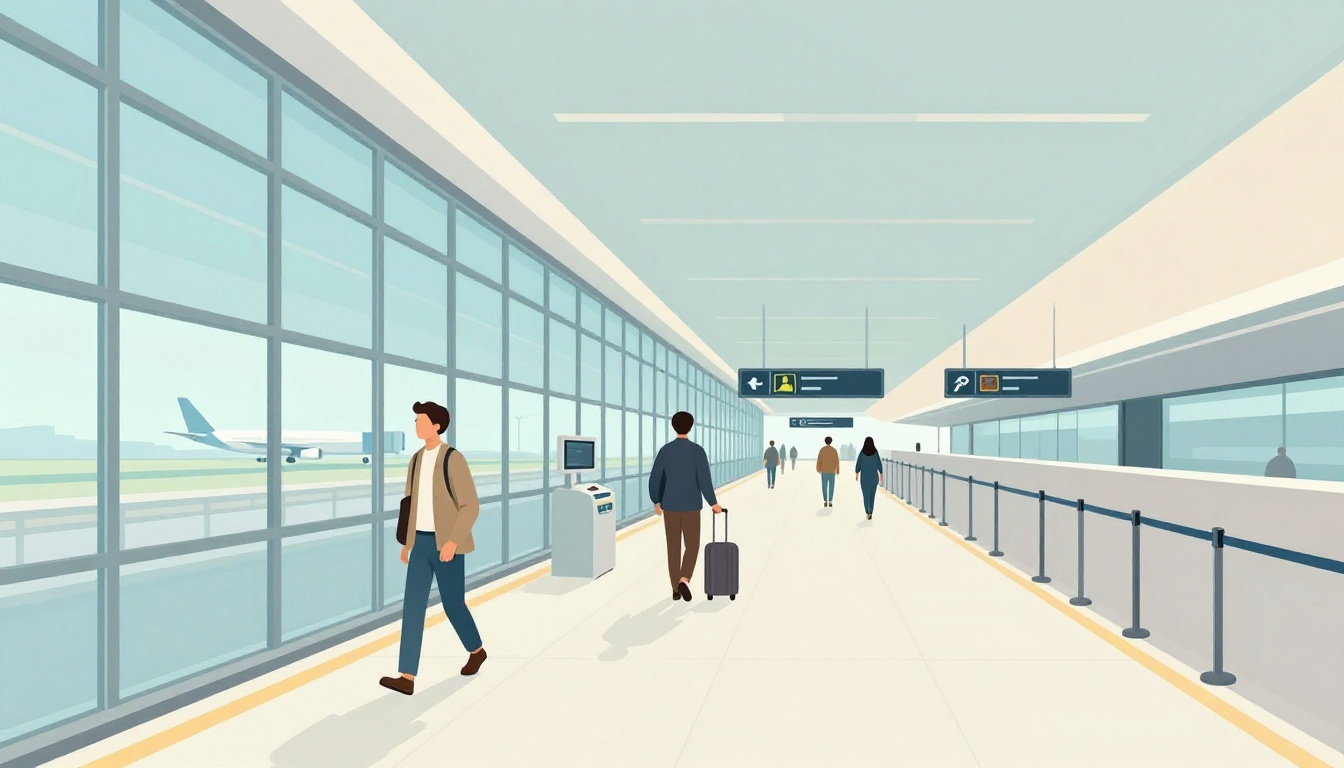
You know that feeling when you land in a busy airport, and everything moves faster than you do? One minute you’re thinking about your flight, the next minute you’re trying to find the right line, the right door, and the right gate. If you’ve never flown before, airport operations can feel like a maze.
The good news is that airports run on repeatable systems. Once you understand the passenger journey, you stop guessing and you start moving with confidence. You’ll also see what’s happening behind the scenes, like baggage handling and air traffic control.
This guide walks through “what happens next” from arrival to exit. You’ll learn what you do, what staff do, and what newer 2026 tools (like touchless ID and real-time apps) change for beginners. Ready? Let’s start with the passenger side of airport life.
Your Step-by-Step Journey Through the Airport as a Passenger
Most airports are built like a loop you follow. You arrive, get verified, clear security, reach a gate, board, then exit. Meanwhile, other teams are working to keep planes moving and bags routed correctly.
Here’s the typical flow, in plain order:
- Arrive at the airport (curb to terminal)
- Find your airline’s check-in or bag drop
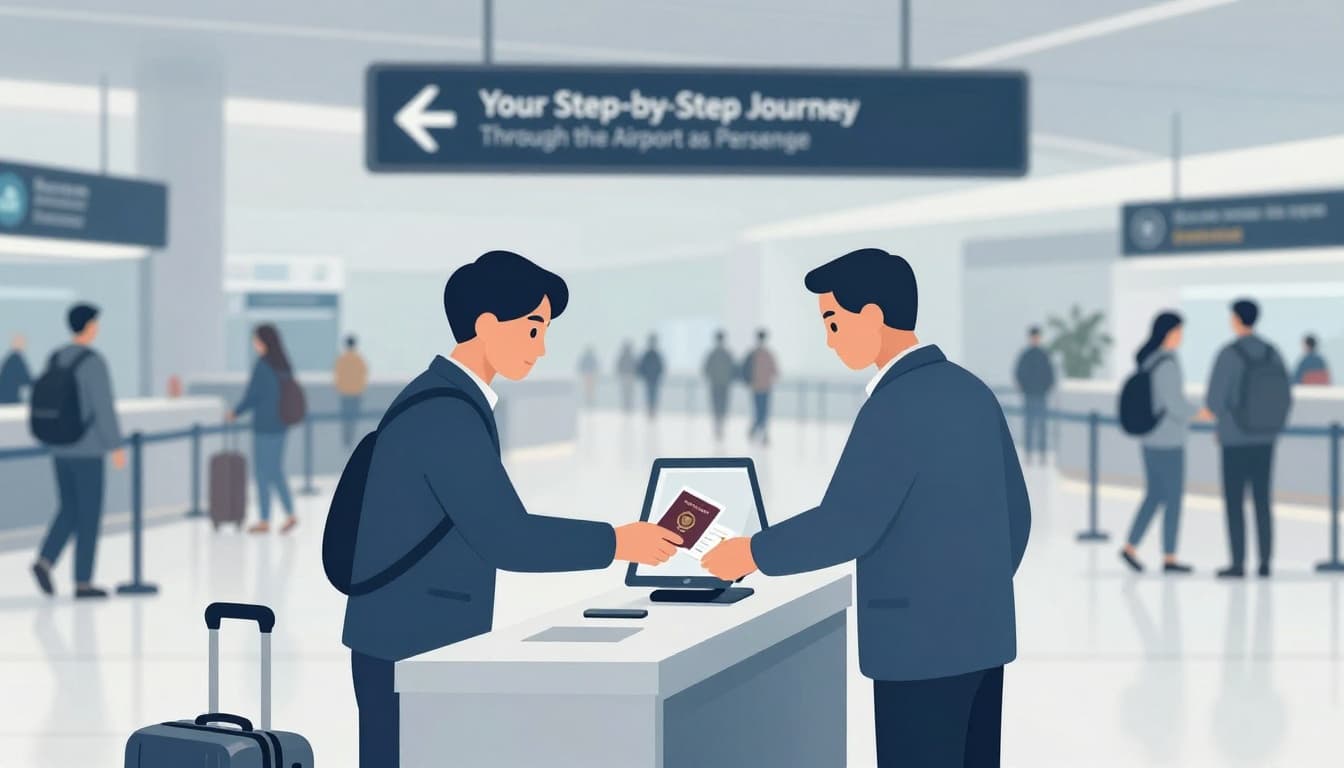
- Check in (passport scan, ID check, boarding pass)
- Drop checked bags and move on with carry-ons
- Go through the security checkpoint
- Walk to your gate (concourse and jet bridge area)
- Board (often by boarding groups)
- Land, then go to baggage claim
- Exit the airport (customs for international flights)
Before you do anything, give yourself enough time. Busy airports feel stressful when you cut it close.
| Trip type | Smart arrival time | Why |
|---|---|---|
| Domestic | 1 to 2 hours | Lines are shorter, but gates can still change |
| International | 2 to 3 hours | Customs and additional checks take longer |
For a deeper look at airport navigation basics, see how to navigate the airport at NerdWallet.
Arriving, Checking In, and Dropping Bags
First, you’ll find the terminal for your airline. Many airports have multiple terminals, and signs do most of the work. Still, it helps to check your terminal number before you arrive.
Next comes airport check-in. You might use a kiosk, an agent desk, or a mobile app. If you’re checking a bag, staff will weigh it and add a tag. Then they scan your ID and match your bag to your flight.
At many airports, once a bag gets tagged, it goes onto a conveyor system. You usually won’t see it again until baggage claim. That’s normal.
Meanwhile, you keep your boarding pass and carry-on. Then you head toward security. Even if it feels like “all you did was drop a bag,” you actually just triggered the baggage routing system.
A quick beginner tip: if you see a self-tag kiosk, use it only if you feel calm. If you’re unsure, go to the agent desk. Confidence beats speed.
Passing Through Security Without a Hitch
Now you hit the security checkpoint, and this part is where first-timers get nervous. But it’s mostly the same routine every time.
Plan for:
- A line that moves in stages
- ID checks and screening trays
- Instructions that staff repeat often
Typical steps include removing items like shoes (sometimes), belts, and jackets. You’ll place your bag and belongings into bins. Then the bins go through X-ray or other scanning tech. After that, you walk through a detector area.
If something sets off an alert, staff may do a pat-down or extra screening. It doesn’t mean you did anything wrong. It means the system needs a closer look.
About TSA PreCheck: if you’re enrolled, the experience can feel lighter. Many PreCheck lanes let you keep shoes on and often keep laptops in bags. For beginners, that can mean less stress, and less fumbling.
Also, a common confusion: liquids rules still apply. Even with PreCheck, containers must follow the standard 3.4-ounce (100 milliliters) limit in a clear bag.
Navigating to Your Gate and Boarding the Plane
Once you clear security, you enter the part of the airport that feels like a “waiting zone.” Still, it’s busy behind the scenes.
Your job here is simple:
- Follow signs to your gate
- Check monitors for gate changes
- Get to the boarding area early
Departure screens show your flight number and gate. Sometimes the gate changes. That’s why you should refresh the screens if you have time. If you’re unsure where your gate is, staff usually point you fast.
Airports may use concourses, tunnels, or trams between areas. If you walk and still don’t see your gate, don’t panic. You may just be in a different concourse section.
When boarding starts, pay attention to the boarding group. Then you’ll walk through the jet bridge or a bus to the plane. At the door, staff scan your boarding pass. After that, your seat shows up fast.
Landing, Grabbing Bags, and Heading Out
After landing, the “airport operation” continues, just in a new direction. You’ll wait until the plane is ready for passengers to disembark.
Next, head to baggage claim. Look for your flight number on carousel signs. Even if your bag is already in the airport system, it still has to be placed on the right belt.
If you traveled internationally, customs is the next big checkpoint. In many cases, travelers use the Mobile Passport app to speed up processing. You still need your documents, and rules vary by country and airport. So follow the signs and staff instructions closely.
Finally, you exit for ground transport. That might mean rideshare, taxi, shuttle, subway, or rental car pickup. Each airport has its own layout, but the logic is the same. You leave the terminal, then follow parking and pickup directions.
By the time you walk out, you’ve completed the passenger side of a full system.
Behind the Scenes: The Teams Keeping Airports Running Smoothly
Airports don’t run on hope. They run on teams and timing. Think of it like a giant beehive. Each worker has a job, and every job supports the next one.
For passengers, the magic moment is when a bag appears at baggage claim or a plane pulls back on schedule. Behind the curtain, it depends on systems you’ll never see.
The airport also has to coordinate:
- Baggage moving to the correct aircraft
- Gates and jet bridges ready on time
- Ground crews working fast and safely
- Air traffic control managing runway flow
- Maintenance teams checking aircraft readiness
How Your Luggage Travels from Counter to Cargo Hold
Once you drop a bag, the airport treats it like a tracked package. Tags include barcodes and routing data. Then baggage handling systems move bags through sorting equipment.
Most systems route bags using combinations of conveyors and scanning points. That helps the airport match each bag to a specific flight. For a clearer look at how these systems work, read how baggage handling works from HowStuffWorks.
Bags sometimes go through multiple zones:
- Drop-off and screening
- Sorting corridors
- Loading areas near the aircraft
If you’ve ever wondered why your bag might arrive later than you do, this is why. Delays can happen when sorting systems need extra rerouting, or when a flight changes timing.
Ground Crews Turn Planes Around in Record Time
Now think about the moment you step onto your plane. Right after the previous flight leaves, ground staff swing into action.
Ground crews usually handle tasks like:
- Unloading passengers and bags
- Loading bags for the next flight
- Cleaning the cabin
- Refueling
- Restocking supplies
Turnaround times can feel tight. Still, crews follow checklists and safety steps. Fueling and bag loading happen in a planned order, not randomly.
A good mental model is a “timer.” If crews do each step on schedule, the plane returns to the right runway slot. If they don’t, flights get pushed back.
Air Traffic Controllers: The Sky’s Traffic Cops
While ground crews work on the airport surface, controllers manage the sky. This is the part that keeps aircraft spaced out and moving safely.
Controllers assign runway usage and manage takeoffs and landings. They also coordinate with radar and flight plans to avoid conflicts. It can get complex fast, especially during peak hours.
For an overview of control facilities in the U.S., see Air Traffic Control Facilities from the FAA. It shows how air route traffic control centers support different regions.
So when you hear “expect delays due to traffic,” that’s the sky’s version of scheduling. It’s not random. It’s spacing and runway availability.
The plane might look ready, but safety rules decide when it can move.
Keeping Planes Safe with Routine Maintenance
Finally, maintenance teams make sure the aircraft stays fit to fly. Some work happens between flights. Other work happens in overnight hangars.
Maintenance checks can include:
- Engine inspections and documentation review
- Brake and tire checks
- Control surface inspections
- System diagnostics
These are not “afterthought” tasks. They support reliability across thousands of daily movements.
So when you hear “this flight will board once the aircraft is cleared,” that’s maintenance doing its part.
Together, baggage handlers, ground crews, controllers, and maintenance teams keep airport operations moving.
Fresh Innovations Transforming Airports in 2026
In March 2026, U.S. airports are rolling out improvements that show up right in your experience. The big theme is simple: fewer steps, faster identity checks, and better real-time info.
And yes, these changes can still raise privacy questions. That debate exists, so it’s smart to know what’s happening and why.
The biggest beginner win is stress reduction. When you spend less time guessing, you feel calmer.
Biometrics and Apps Speeding Up Check-In and Security
One major update involves touchless identity checks. As of March 2026, TSA PreCheck Touchless ID uses facial recognition at 65 U.S. airports, up from earlier deployments. In many cases, you look at a camera and don’t need to show your physical ID or boarding pass at that moment.
According to the latest rollout reporting, matching can happen quickly (under 10 seconds). The program also includes policies around data handling, including image deletion within 24 hours and limits on surveillance use.
Meanwhile, apps help with updates. Some tools support real-time flight info and airport guidance. Others support smoother agent workflows and better routing behind the scenes.
If you like planning, these tools can turn uncertainty into clarity. If you hate planning, they can reduce the number of things you must manage.
Smarter Signs and Tools for Easy Navigation
Navigation is the other big pain point for beginners. Many airports now use digital displays and better wayfinding layouts. In some places, AI tools also help predict passenger flow and adjust how crowds move.
That matters because lines and congestion often form at pinch points, like security lanes and busy concourses. When airports spot slowdowns earlier, they can adjust staff and signage support.
You may also see more options for quick services, like smart luggage storage. The goal is the same: make it easier to move through the airport without losing time.
Looking ahead, there’s even more planning for new aircraft types. For example, FAA-selected projects for eVTOL testing aim for rule testing and real flights starting summer 2026 at partner sites. Airports will need extra planning for future operations, even if your next trip stays traditional.
All these changes help beginners because the airport feels less like a mystery.
Conclusion
The hook of this guide is simple: airports feel overwhelming because you’re walking through someone else’s system. Once you see the flow, How Airports Operate Step by Step for Beginners stops being a concept and becomes a plan.
You start with airport check-in and baggage handling, then you move through the security checkpoint, find your gate, and board. After landing, baggage claim and customs help you exit smoothly. Behind the scenes, ground crews, air traffic control, and maintenance keep everything safe and on time.
Next time you fly, you’ll have a mental map. You’ll know what comes next, and that confidence lowers stress.
Ready to conquer your next airport adventure? Share your biggest beginner question in the comments, and keep an eye out for more travel tips.