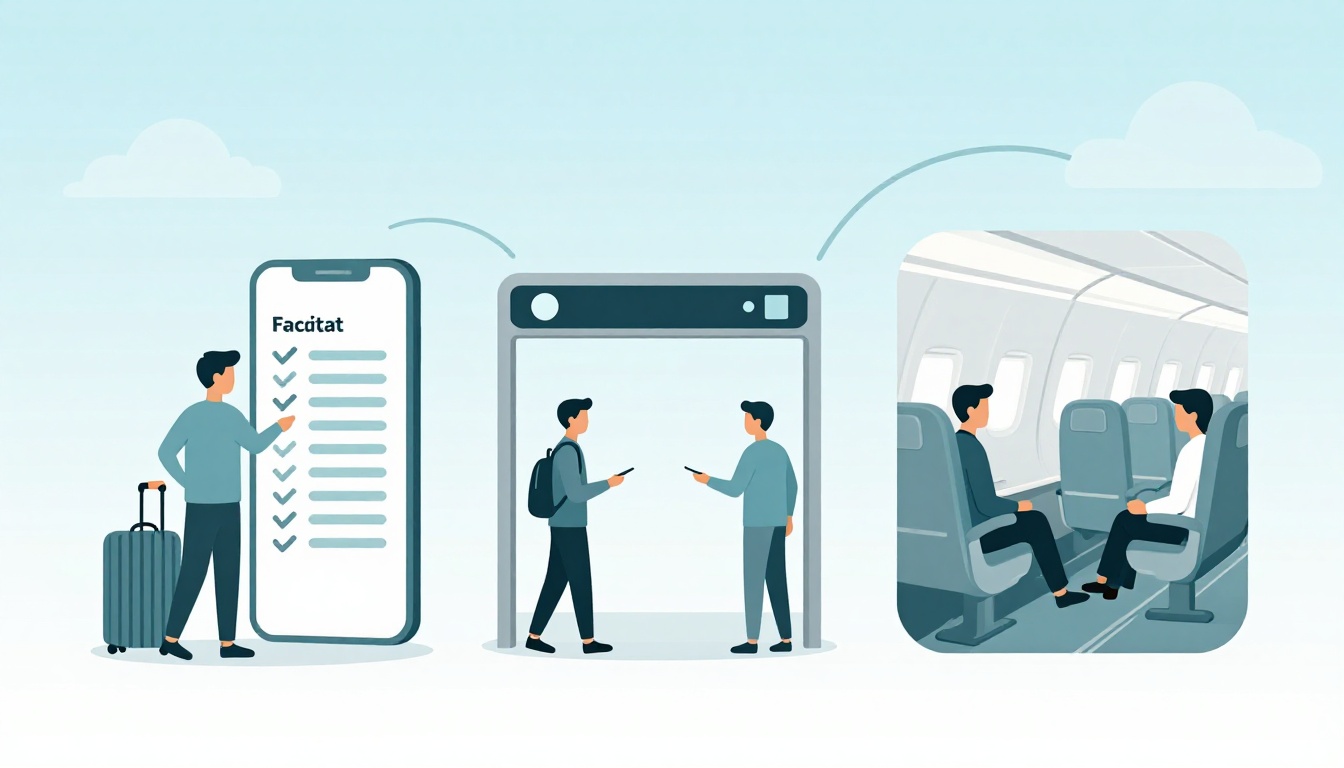
Ever gotten to the airport, then realized you forgot one small thing? It can turn excitement into stress fast. In March 2026, though, the travel flow in the US is getting smoother for many flyers, thanks to biometrics, touchless ID checks, and smarter screening tech.
The big change is how the trip moves through checkpoints. Instead of doing the same “show, remove, wait” routine every time, more airports now use systems that can match you to your info with a quick facial match. In other words, the airport experience is becoming less like a maze and more like a line you can actually predict.
Here’s what to expect across three phases: before, during, and after a flight. You’ll also see what’s new for 2026, including REAL ID rules and how CT scanners may change what you can keep in your bag. By the end, you’ll have a practical plan for your next trip, even if you’re flying for work or visiting family.
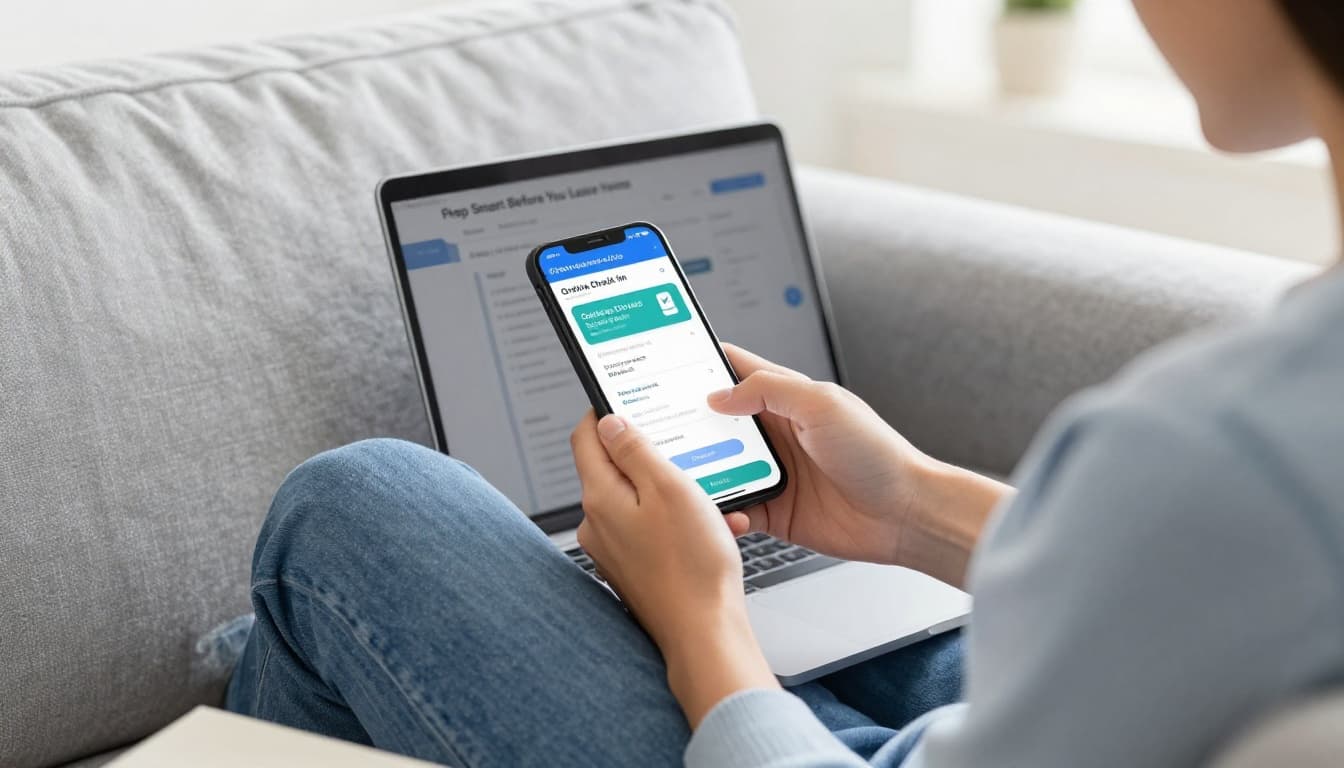
Prep Smart Before You Leave Home
Start with timing. Plan to arrive about 2 hours early for most domestic flights. For international flights, give yourself 3 hours. This buffer matters because the process is still partly airline and partly airport.
Next, sort out your ID. For US domestic travel, REAL ID is required for adults. If your license is not REAL ID compliant, you can face extra screening or even a paid verification step. TSA notes that travelers without a REAL ID compliant license or ID may need TSA’s Confirm.ID option, which starts with a fee beginning February 1, 2026 (set by TSA). You can read the official details from the US government here: TSA Confirm.ID $45 fee details.
Then think check-in and bags. In 2026, many airports and airlines push you toward app check-in, kiosks, or expedited ID matching tied to your frequent traveler info. Biometrics can reduce the “find your wallet, find your ID, then show again” loop, especially if you use TSA PreCheck.
Also, packing has new angles. Some airports now use CT scanners at select checkpoints. In those spots, you may keep laptops and liquids in your bag during screening. However, not every checkpoint has the same gear, so you still need to follow signs at the airport.
A quick checklist helps more than people expect:
- ID ready (REAL ID or passport)
- Check in early in the airline app or kiosk
- Confirm bag rules (carry-on, liquids, special items)
- Pack chargers safely (power banks in allowed range)
- Plan your arrival time (2 hours domestic, 3 hours international)
Finally, if you’re headed to Europe, add one more step. US citizens generally need ETIAS travel authorization starting late 2026 for short trips to participating European countries. It’s an online application, not a stamp in your passport. For the basics and timing, see ETIAS guidance for Americans.
Mastering Online Check-In and Bag Rules
Online check-in is the fastest way to reduce stress. Most airlines let you check in in the app up to 24 hours ahead. After you check in, you get a digital boarding pass (often saved in your airline wallet). Then you just head to the correct line for bag drop or security.
Bag rules can still surprise people. Some airports and airlines treat carry-on limits tightly. If you show up with a bag that’s too big, you may get asked to gate-check it. That delays everything, including your plans for snacks or overhead-bin space.
Also, don’t assume your “usual” bag routine still works. In 2026, screening may differ by checkpoint. Some lanes accept certain items in bags thanks to CT scanners, but other lanes still use older X-ray systems.
Before you leave home, know two things:
- Airlines control bin space and carry-on counts, not just airport rules.
- TSA controls screening, but each checkpoint can vary in tech.
That’s why it helps to check TSA’s carry-on guidance before you fly. If you want a practical, 2026-focused refresher on what you can bring and how rules are applied, use TSA carry-on rules for 2026.
One more detail: some airlines charge for certain add-ons that affect the airport experience. That can include extra checked bags, priority lanes, or even specific seating options. If your trip includes a long connection, it’s worth reviewing your fees now, not after you’ve already reached the counter.
Finally, try to pack with screening in mind. Think “grab and go.” If your liquids bag is easy to find, you move faster. If your laptop and cords are packed so they can be shown quickly, you avoid that last-minute scramble.
What to Pack and What to Skip
Packing in 2026 still follows the same core idea: pack for screening, not just for comfort. The difference is that CT scanners at some airports can change what you need to remove. In those lanes, you might leave your laptop in your bag. At other airports, you may still need to place electronics in a separate bin.
So what should you pack?
- The essentials you’ll actually use: chargers, meds, a light layer, and headphones.
- An easy-access pocket for your ID, boarding pass, and any small documents.
- A liquids plan based on your airport’s checkpoint tech.
- Power banks packed correctly and within airline limits.
Power banks deserve extra attention. Newer screening can flag devices that look odd in bags. Airlines also have watt-hour limits. If you travel with larger batteries, check the airline policy, because limits vary and approval rules can change.
Also, plan for international trips. Some items are fine domestically, but not across borders. Food, certain supplements, and restricted goods may require declaration. If you’re unsure, treat “declaring” as the safer move.
For international travel, your biggest packing win is proof. Keep these easy to reach:
- Your passport and any required travel approvals
- Address and contact details for your stay
- Return plans, like tickets or confirmed booking details
Then you can make it through customs without panic. Customs officers expect honesty and clarity. If you declare properly, you reduce the chance of delays caused by misunderstandings.
If you take one habit from this section, make it this: pack so your bag can be screened in under a minute. When your packing makes security simpler, the whole airport feels calmer.
Ace the Airport: Security, Boarding, and No More Lines
The airport rhythm changes quickly once you reach the terminal. First comes security, then boarding. Each step has its own flow, but the theme is the same: reduce friction.
In 2026, many checkpoints are built for touchless experiences. That includes facial recognition options for some passengers. It also includes updated screening machines, including CT scanners at select airports. Depending on where you fly, you may keep shoes on, and you may not need to remove laptops and liquids at every lane.
Also, biometrics isn’t only about the ID you carry. For some travelers, the system can match you to your info faster using your face. If you have TSA PreCheck and you opt into touchless verification, the process can feel shorter and less repetitive.
One good example is TSA’s “Touchless ID” testing and rollout at certain airports. Boston Logan has reported passengers using only facial verification for TSA PreCheck lanes, at least in some terminals. For a local look at how that works, read Logan’s TSA PreCheck touchless ID updates.
Before security, check where your lane is located. Then follow the signs exactly. Even if you’ve flown 10 times, each airport has its own setup.
Breeze Through Security with New Tech
Here’s what security can feel like when the new systems are working for you.
You enter the lane, put your items in place, and walk through a scanner. If the lane uses CT imaging, you might keep more in your bag. Then a camera system or scanner captures the data quickly. After that, you exit the lane and move on.
If you’re waiting on a “magic moment” where it all feels automatic, don’t expect it. Even in the touchless lanes, you still need to cooperate. Look forward when cameras need a match. Keep moving at the pace staff sets. If an alarm sounds, expect a short secondary check.
Also, rules can vary by airport, even on the same day. One checkpoint might use CT imaging. Another might still rely on older screening methods. In other words, your bag packing should work in either case.
A simple step-by-step routine can help you avoid surprises:
- Stage your essentials (ID, wallet, keys) before you reach the front.
- Follow the lane instructions about shoes, electronics, and liquids.
- Move at the staff pace once you’re in front of the scanner.
- Watch for secondary screening signs and stay calm.
If you keep that mindset, you’ll likely spend less time feeling “stuck.” You’ll also avoid the most common delay, which is rummaging through bags in front of officers.
Boarding Like a Pro Without the Chaos
Boarding used to feel like a free-for-all for some airlines. In 2026, a lot of carriers are making boarding more structured, and that helps everyone plan.
Southwest, for example, switched to assigned seating starting January 27, 2026. That means you pick your seat when you book, instead of choosing when you board. It also uses new boarding groups, so passengers line up by group rather than open seating scrambling.
Meanwhile, at most airlines, boarding is still based on your group or zone. You might see announcements like Group 1, Group 2, or Early Boarding for certain passengers. If you try to jump ahead, staff will stop you. That’s not personal, it’s about keeping the flow fair.
One practical tip: don’t sprint to the gate too early. Yes, you want good bin space, but you also want to avoid crowd stress. Instead, show up when your group is close. Then settle near your boarding path.
Also, watch for row-by-row or group exit rules during deplaning. Some planes use row zones so passengers leave in an orderly pattern. When you follow staff instructions, you reduce turnaround delays. That can help the whole flight day.
Finally, if you’re traveling with a child, mobility needs, or special items, tell a gate agent early. The best time to request help is before boarding starts.
Up in the Air: Entertainment, Snacks, and Staying Safe
Once you’re on board, the pace shifts again. In-flight life usually becomes a mix of setup and wait time. The good news is that many planes now support better entertainment and easier device charging.
In 2026, Wi-Fi options keep improving. Some airlines offer faster connections on more routes, and a few even roll out free tiers for certain customers. If you plan to work or stream, downloading key content before takeoff still saves time.
Entertainment itself often centers on your own device plus plane power outlets. USB ports near seats are becoming common, and many screens now focus more on personal viewing. Meals vary by flight length and ticket class, but you can still plan for water and comfort.
Then there’s safety, which always stays in the foreground. Turbulence can happen even when skies look calm. The main rule doesn’t change: listen for the seatbelt sign. When it’s on, keep your seatbelt fastened. If it stays off, still stay seated during critical phases when the cabin crew asks.
For turbulence predictions, airlines use improved tools and weather data to avoid rough air when possible. That doesn’t mean it never happens. However, it does mean crews often know about changes sooner than before.
Finally, check camera and seatback instructions if staff asks. Safety rules can change by airplane type. Follow crew direction, because they see what you can’t.
Fun Ways to Pass the Time Mid-Flight
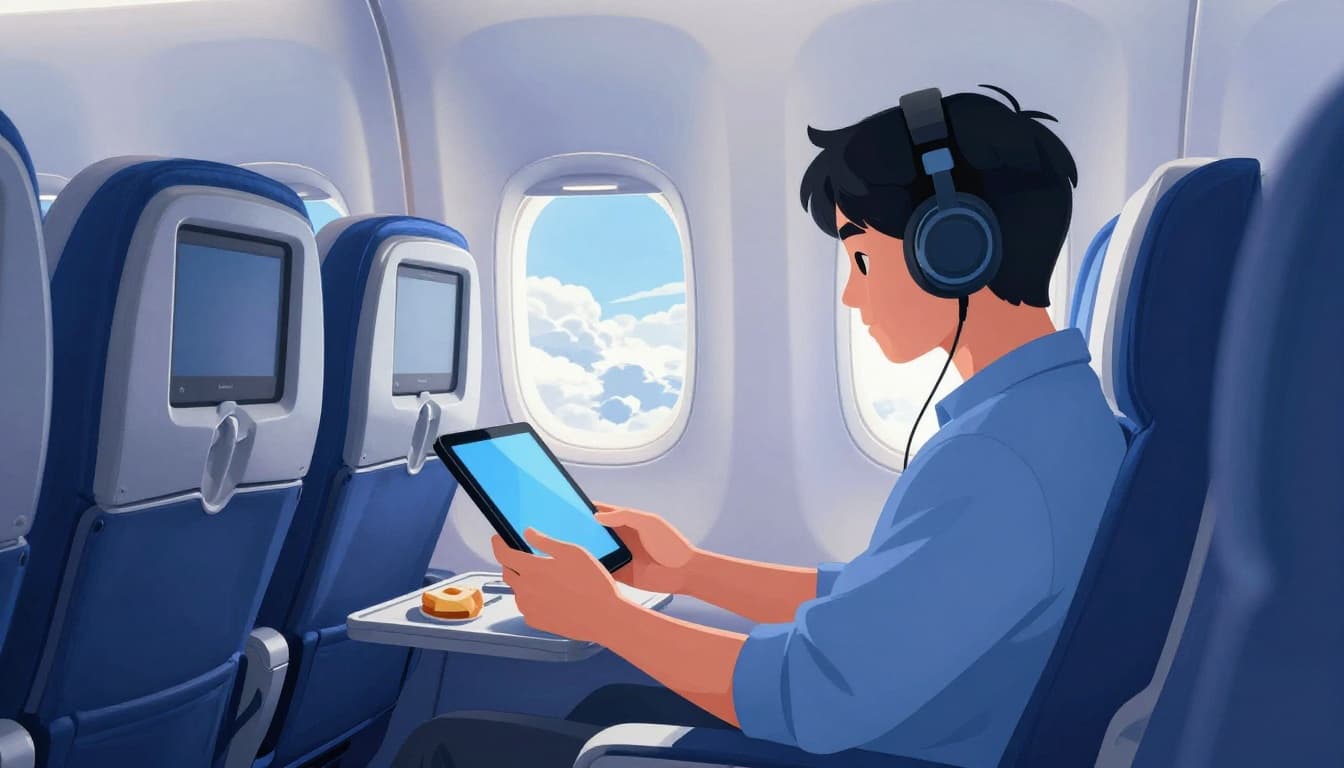
Mid-flight is where you can turn waiting into enjoyment. The easiest approach is to plan two things: one offline activity and one “stream if the Wi-Fi works” option.
Most flyers do best with a simple setup:
- Queue shows or movies before takeoff.
- Bring a charger and keep it accessible.
- Use noise-canceling headphones if you like quiet.
Then, once you’re at cruising altitude, you can switch to whatever feels fun. Some people read. Others game on laptops or tablets. If you’re not into screens, audiobooks and podcasts still feel smooth.
If you get assigned a seat you don’t love, remember you can still make it better. Use your own pillow or neck support. Keep a small “comfort kit” in your seat pocket. That could include lip balm, eye mask, and earplugs.
Handling Turbulence and Crew Care
Turbulence often scares people more than it should. The key is to stay calm and react fast.
If you feel light shaking, don’t rush to your feet. Instead, keep your body secure and follow the seatbelt sign. When it turns on, buckle up right away. Even small movements can feel bigger when the plane shifts.
Also, listen for crew updates. They might explain what’s happening or when the cabin expects smoother air. If they ask you to stow items, do it quickly. Flying crews ask for that for a reason, not to be annoying.
If you feel anxious, try breathing slowly for 30 seconds. Then focus on what you can control, like your seat position and your belt. Anxiety shrinks when you act instead of spiral.
Land Smoothly and Exit Fast: Baggage to Ride Home
Landing brings a new set of rules. First, wait for the plane to stop fully. Then follow the crew direction about deplaning. Many flights use row-by-row exit or group rules. That’s meant to keep the aisle open and speed up the line.
Next, move to baggage claim when the plane clears. In 2026, some airlines also use app-based baggage tracking. If your bag is delayed, tracking helps you understand what’s happening instead of guessing.
For international arrivals, things can feel more layered. You might face passport checks, then customs declaration. Biometrics at the border may appear as part of expedited processing for certain travelers. If you’re eligible for faster lanes, use them. If not, still plan for lines and bring the paperwork you need.
Sustainability matters too. Lighter bags can reduce fuel burn over time. Also, fewer checked bags means less handling. Even small packing choices can help.
Grab Your Bags and Clear Customs Quick
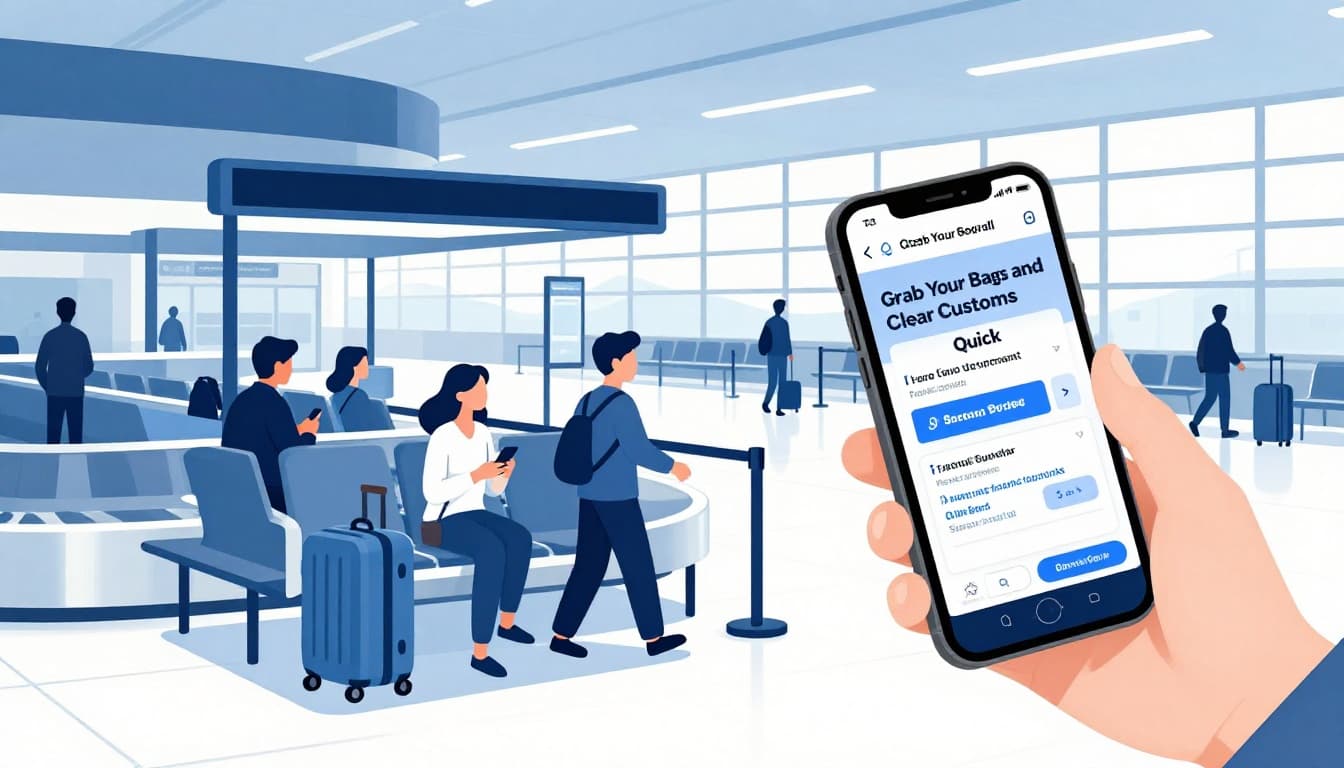
For domestic flights, the biggest timing tip is simple: don’t stand up early. Stay seated until staff releases you. Then walk with the flow toward baggage claim.
Look for screens and airport staff guidance. Once your carousel shows your flight’s number, wait a moment. Bags can arrive late to the frame, so watch before you assume the worst.
If your airport uses app tracking for baggage, use it. Tracking can reduce the time you spend pacing. It also helps you contact the right desk if needed.
For international flights, customs is about declarations and honesty. If you bring gifts, certain foods, or products that have limits, declare them. If you don’t, you risk fines and delays. When in doubt, declare.
Also, keep your travel documents handy. You’ll move faster if you don’t dig in your bag during the line.
Your Ride Options Right Outside
Once you clear baggage and customs, plan your pickup like you planned your check-in.
For curbside pickups, rideshares and taxis usually cluster in defined zones. If you can, wait inside until your driver is close. Then you avoid crowded curb lines.
If you rent a car, use the airport’s signage and follow shuttle instructions. Rental counters can be busy right after arrival. Booking ahead helps, but the real speed comes from arriving with your paperwork ready.
Public transit can work too, especially at major airports with rail links. Trains and buses often have fixed schedules, so check timing before you commit. If you’re traveling with family, decide early whether transit or a car fits your pace.
Whatever you choose, keep your phone charged. You’ll need maps, confirmations, and baggage updates.
Conclusion
That anxious airport feeling usually comes from uncertainty, not from flying itself. In 2026, more checkpoints rely on biometrics and smarter screening, so the steps before, during, and after your flight can feel more predictable.
You’ll handle the whole trip better when you plan early: REAL ID or passport ready, check-in done, packing designed for screening, and a calm routine at security and boarding. Then, once you land, follow deplaning instructions and use app tools when they’re available.
Next time you fly, use this flow as your mental checklist. If you want, share your experience in the comments, which airport felt easiest in 2026?